Best Internet Speed for Online Gaming in 2026 (By Game Type)
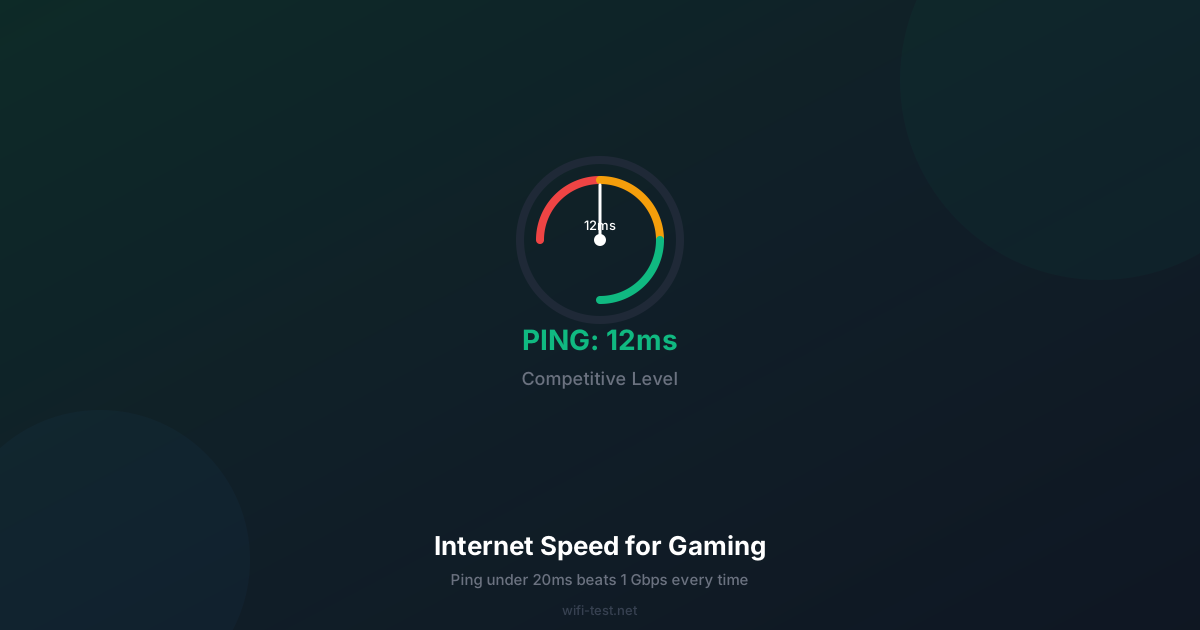
Most gamers chase download speed when they should be chasing ping. 10 Mbps with 15ms ping beats 1 Gbps with 60ms ping every single time. Here's what actually matters.
1. The four gaming metrics that matter
Online gaming sends small, frequent data packets — nothing like streaming a 4K video. Here's what each metric means in a gaming context:
- Download speed: Needed mostly for downloading games and updates, not gameplay. 10 Mbps is sufficient for almost all games in real-time.
- Upload speed: Matters for game state synchronisation. 1–5 Mbps is enough for competitive play; streaming to Twitch requires 6+ Mbps upload.
- Ping (latency): Round-trip time to the game server. This is the most critical gaming metric. Under 30ms is good; under 20ms is competitive; under 10ms is elite.
- Jitter: Variation between successive pings. High jitter causes hit registration to feel inconsistent even when average ping looks fine. Under 5ms jitter is ideal for competitive play.
Run a speed test now to check all four metrics. Your jitter result will immediately tell you if your connection is suitable for competitive play.
2. Internet speed requirements by game type
First-Person Shooters (FPS): Valorant, CS2, Call of Duty
- Minimum download: 3 Mbps
- Recommended ping: under 20ms
- Recommended jitter: under 5ms
- Why: Hit registration windows in modern FPS games can be as small as 64Hz tick intervals (15.6ms). High jitter means your shots may miss even when they appear to hit on screen.
Battle Royale: Fortnite, PUBG, Apex Legends
- Minimum download: 3–5 Mbps
- Recommended ping: under 30ms
- Recommended jitter: under 10ms
- Why: Battle royale games have larger maps and more simultaneous players, requiring slightly more bandwidth, but latency is still the key performance factor.
MMORPGs: World of Warcraft, Final Fantasy XIV
- Minimum download: 2 Mbps
- Acceptable ping: under 100ms
- Why: MMO mechanics have far more latency tolerance than real-time shooters. Most skills have cast times measured in seconds, not milliseconds.
Real-Time Strategy: StarCraft II, Age of Empires
- Minimum download: 1 Mbps
- Recommended ping: under 60ms
- Why: APM (actions per minute) demands low latency for competitive micro-management, but the tolerance is wider than FPS games.
Cloud Gaming: Xbox Cloud, NVIDIA GeForce Now, PS Now
- Minimum download: 15 Mbps (720p) / 35 Mbps (1080p) / 65 Mbps (4K)
- Maximum tolerable ping: 40ms — higher introduces visible input lag
- Why: Cloud gaming streams video, not game data — so it's far more bandwidth-hungry than traditional gaming. And every frame you see was rendered 40ms ago on a remote server.
3. WiFi vs Ethernet for gaming
This is where most gamers make the biggest mistake. On a 100 Mbps plan:
- Ethernet ping to router: 1–3 ms
- WiFi 6 ping to router (5 GHz): 3–8 ms
- WiFi 5 ping to router (2.4 GHz): 8–25 ms
That difference may seem small, but WiFi also introduces jitter — sudden ping spikes — that Ethernet never does. In a competitive FPS, a single 80ms spike during a fight can cost you the round. Ethernet is free (you already have the port on your PC) and a Cat 6 cable costs around $10. It's the single most impactful gaming upgrade that doesn't cost anything meaningful.
For a full comparison, see our WiFi vs Ethernet speed guide.
4. How to reduce gaming ping
If your ping is higher than you want, try these steps in order:
- Switch to Ethernet — immediately cuts router overhead.
- Select the nearest game server — latency increases 10ms per 1,000 km of distance.
- Close background applications — even a Windows Update downloading in the background causes ping spikes.
- Enable QoS on your router — prioritises gaming traffic over Netflix or torrents on the same network.
- Change your DNS — Cloudflare (1.1.1.1) reduces lookup latency before the connection even begins.
- Upgrade your ISP plan or switch ISP — if your ping is consistently above 80ms on a server in your own country, your ISP routing may be the problem.
See our complete high ping fix guide for step-by-step instructions on each of these.
5. What upload speed do you need for game streaming (Twitch/YouTube)?
If you stream your gameplay, upload speed becomes critical:
- 720p 30fps Twitch stream: 3–4 Mbps upload
- 1080p 60fps Twitch stream: 6–8 Mbps upload
- 1080p 60fps YouTube Live: 4–6 Mbps upload
- 4K 60fps YouTube Live: 15–25 Mbps upload
Note that upload speeds are often the bottleneck on cable plans, which frequently offer 10–35 Mbps upload even on 500+ Mbps download plans. Fiber plans with symmetric speeds are significantly better for streamers.
Conclusion: Stop optimising download, start optimising ping
For gaming, a 50 Mbps plan with 15ms ping beats a 1 Gbps plan with 60ms ping. The order of priority: Ethernet cable first → lowest-latency server → QoS setup → ISP upgrade if still needed.
▶ Check your ping and jitter right now — free test